CRM: attach an email to a specific case in CRM/NAD Challenges
When sending an email from Outlook, enable the Dynamics 365 panel.
In the "set regarding" field, enter the case number or advertiser name to find the challenge record. Select the desired record from the list of options.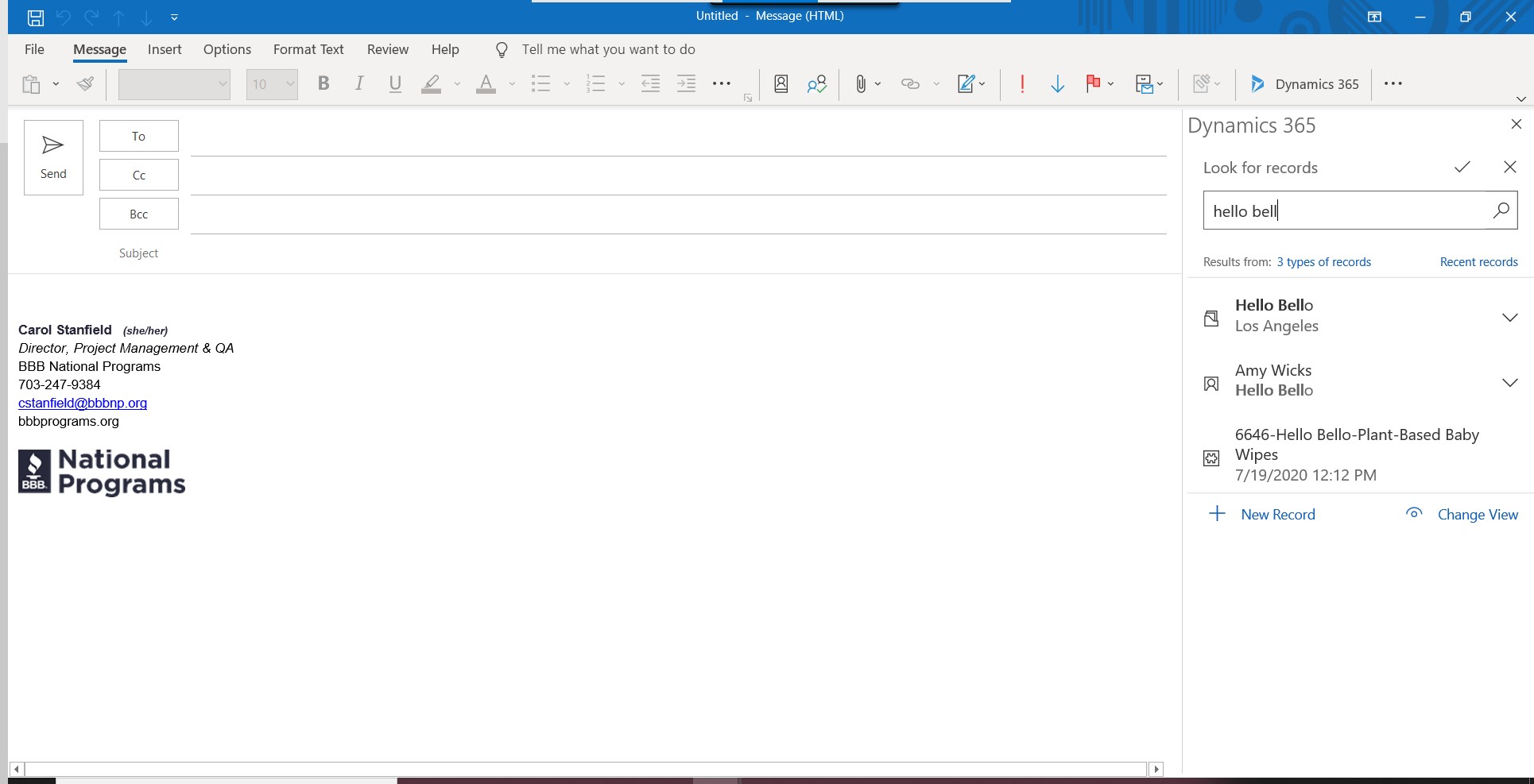
Related Articles
CRM: Government Outreach Report
To run the Government Outreach report, navigate to the Government Outreach entity in the sitemap, you can either run the report on a specific record, or run it on all records in the view and then scroll through the pages. One example to test on is ...